
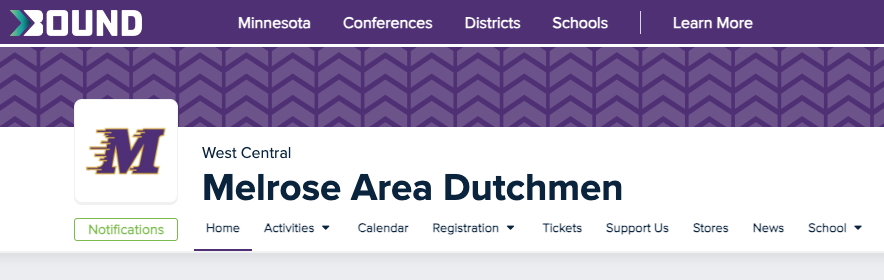
Melrose Area Schools has moved to a new software for Activity Registration!
As we look forward to another year of Dutchmen Activities, we want your registration process to be as smooth as possible. Parents or guardians, please follow the following steps to get an account set up! Students, please ask your parent/guardian to set up an account before you begin the registration process.
How to Register With Bound
Please go to the isd740.org website.
Scroll down and look for the purple box Activities/Athletics
Look under ‘Student Information,’ and Click on Bound Activity Registration
Click on Registration, then Activities - Family accounts MUST be created by a parent or guardian. After the account is created, add your student
Students ID is needed to register. This number is also your student’s lunch number.
Look at the Activity List, and choose the one you want to register for.
The Bound system walks you through all the forms, electronically.
Physicals must be updated every three years. Students will not be able to register for activities unless you have a current physical on file. You must know the date of your student’s last physical. (Ask Holly or Jonathan if you need this date.) Families are now able to upload a picture of their student’s new physical. *Please note the physical date, as you will need to enter it after uploading a picture of your student’s physical.
Please have the following information ready as you register: Name & phone number for student’s doctor & dentist; Name & number of Medical Insurance.
Families can pay with credit/debit cards online. Cash/checks should be brought to Holly or Jonathan in the Activities Office.
Use this guide if necessary: Registering Your Student for an Activity (For Parents and Guardians)
Quick link to our Bound website: GoBound
#DutchmenPride